Answer calls
Every call is documented and becomes a ticket.
Tickets, agents, workflows, credentials, and knowledge logic in one platform. Controlled, auditable, hosted in Germany.
nordnung connects all your tools. This creates a central AI platform, for IT operations and beyond.
Not a chatbot that advises. A colleague who gets it done.
Six capabilities, one system: nordnung.ai answers the call, understands the case, connects to the device, and resolves it.
Every call is documented and becomes a ticket.
Answers come from your own knowledge base.
The Endpoint Agent operates mouse and keyboard and controls the screen, right at the workplace.
End to end, until the case is closed and documented.
On the next call the case is already known.
Critical actions always wait for a human.
Inside
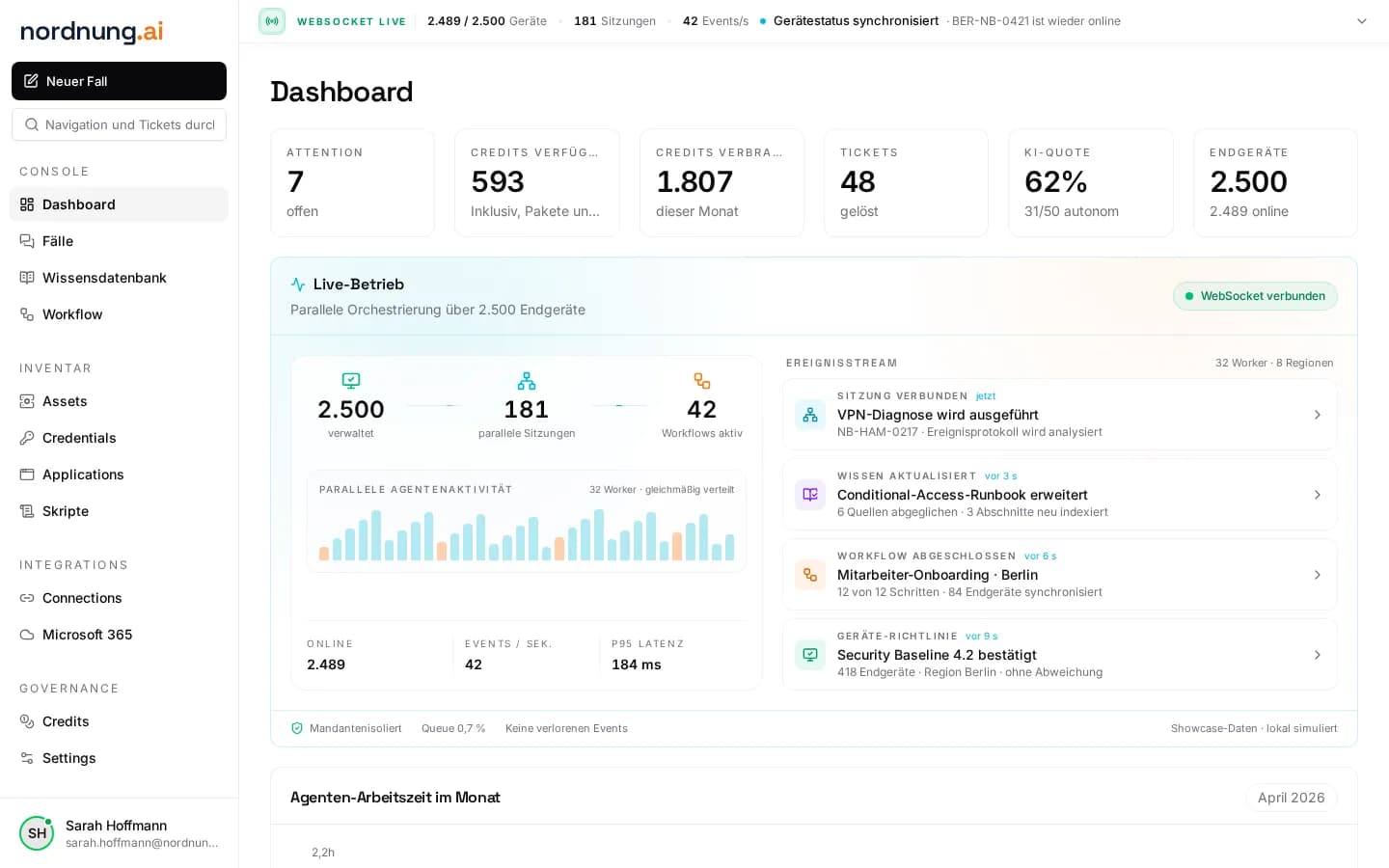
The interactive demo runs on desktop. On mobile we show the overview.
Inside the platform
One standard case from call intake to reuse, recreated as a log from our demo environment (German product UI).
1,000+
endpoints in production, as of 11/2026.
81%
automated at our first customer, an IT service provider, October 2026.
01 Ticket
02 Workflow
03 Documented
04 Reused
09:41:07▸Call answered: Accounting, “New colleague starting Monday”
09:41:32✓Ticket #358114 created · device, history and context captured
09:42:10▸Workflow “Onboarding” started, 5 defined steps
09:42:41✓M365 user created · groups and licenses assigned
09:43:26✓Outlook set up · printer and scan profile applied
09:44:02✓Password manager access created · no plaintext in the ticket
09:51:48✓Result and log returned to the ticket
09:51:50+Knowledge base: entry “Onboarding Accounting” created
next case✓Solution ready: not a new case, a repeat
Agent model
Two interaction agents stay close to the user. Four execution agents carry out defined actions in technical environments.
Credential access runs through the vault with an approval gate. details in the security model.